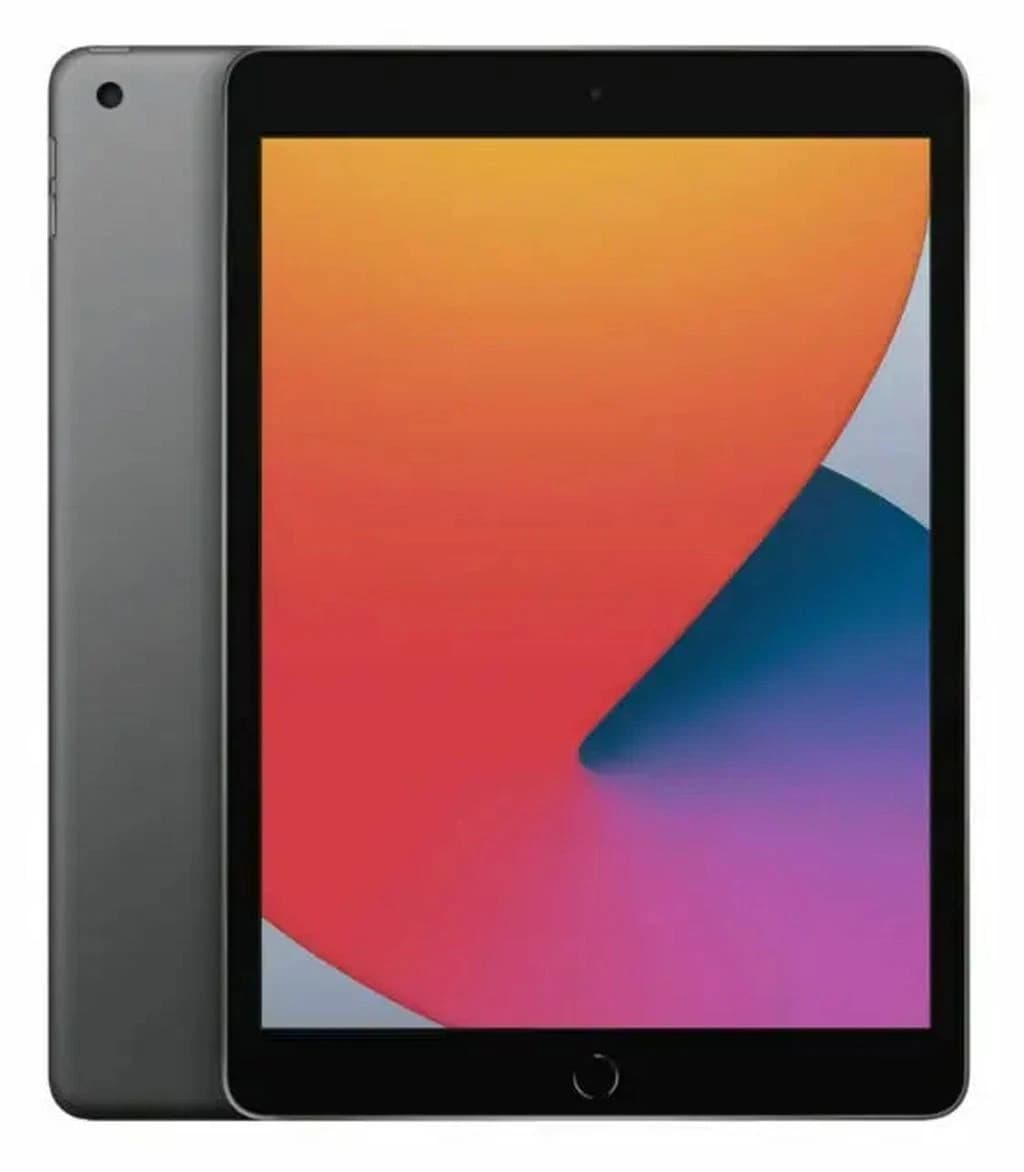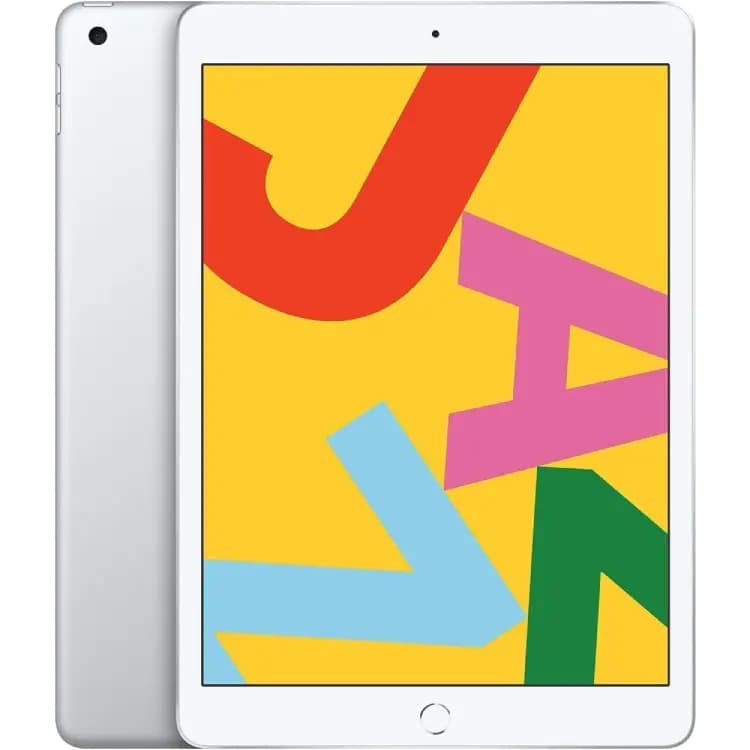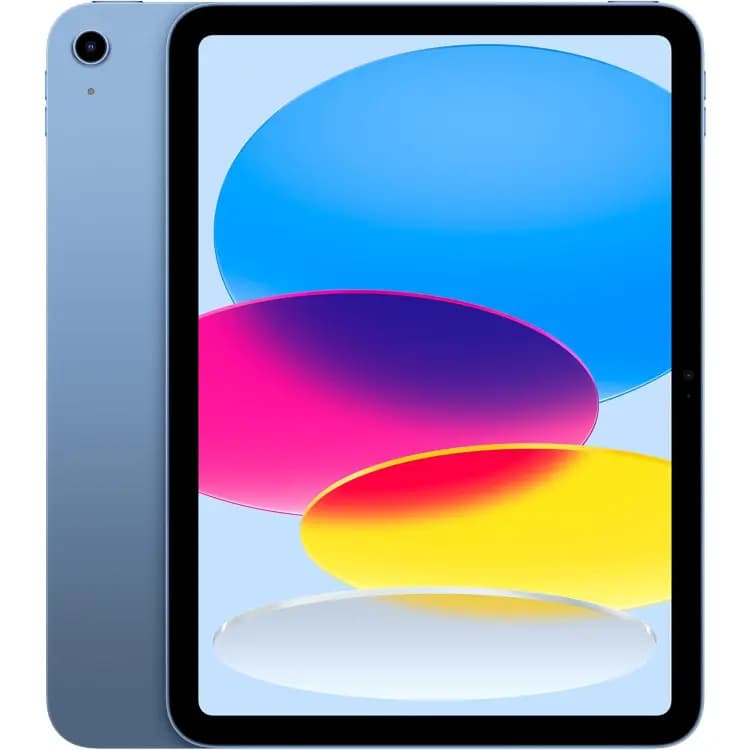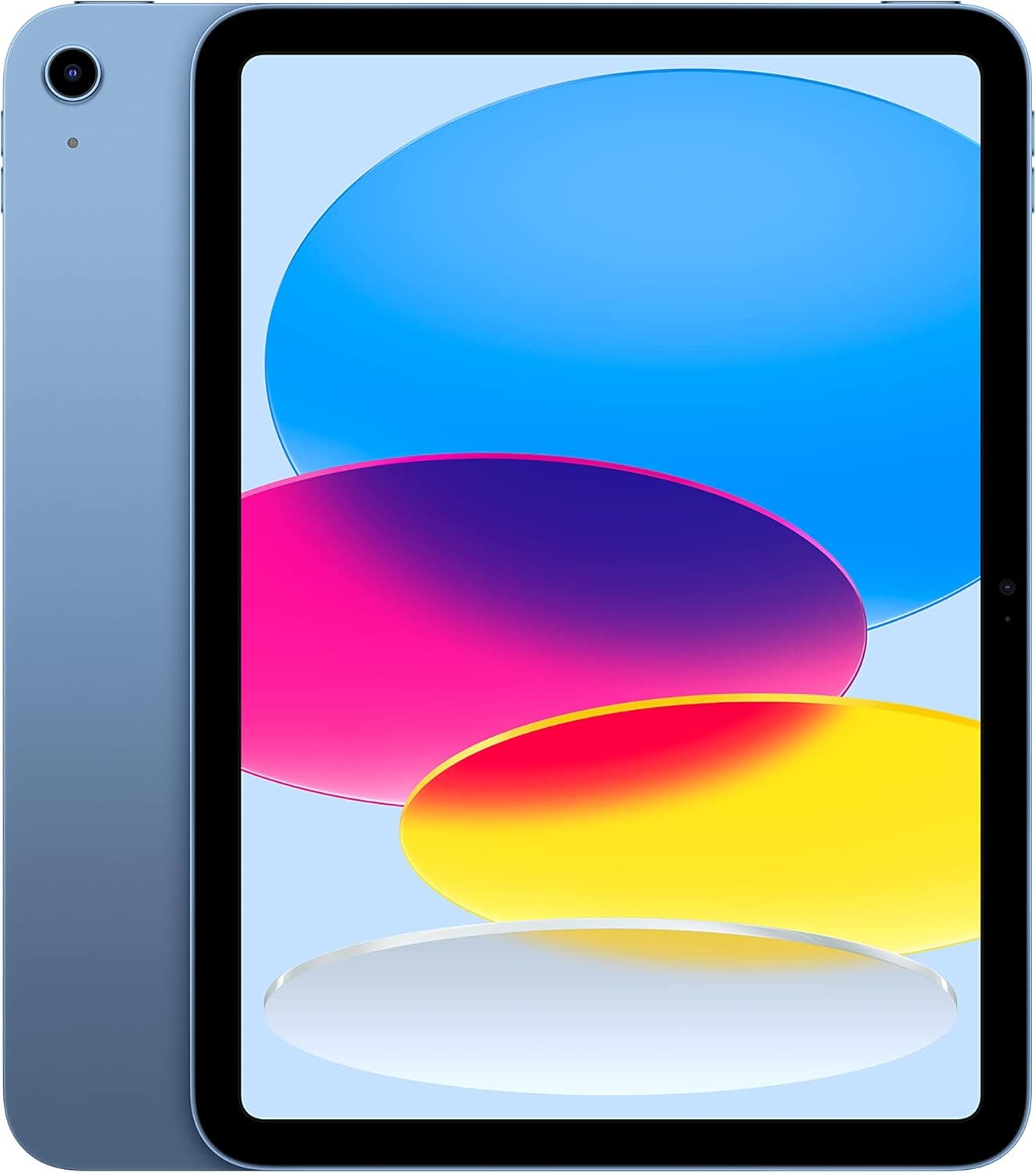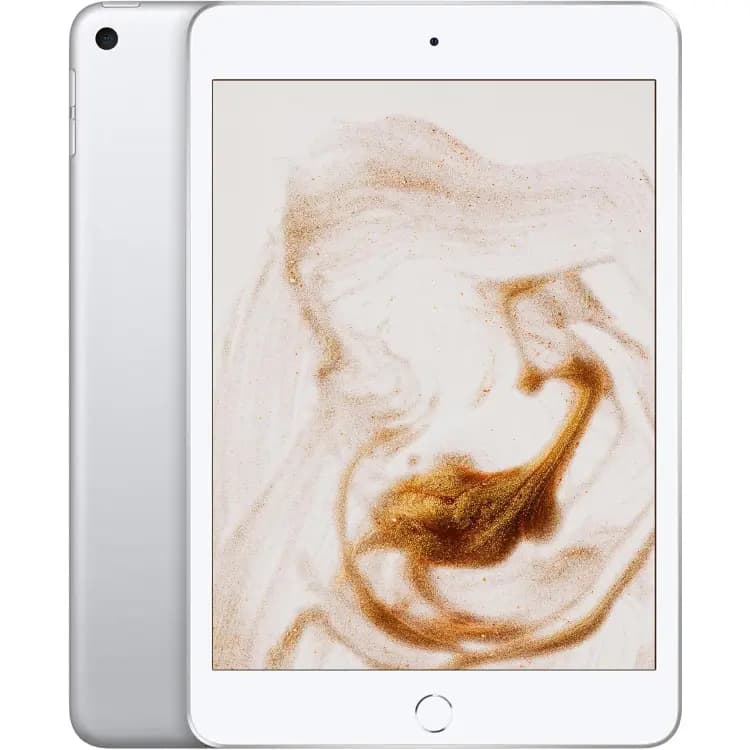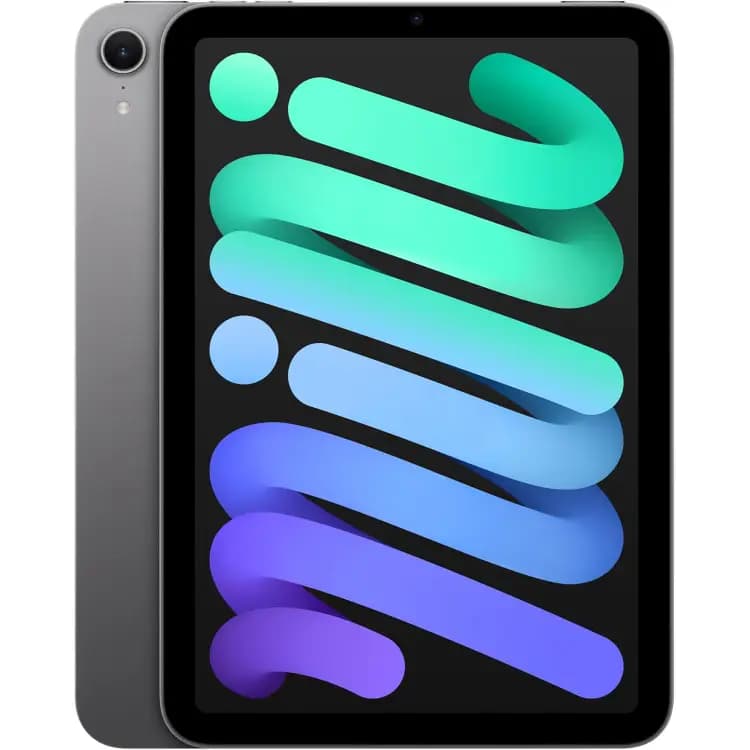
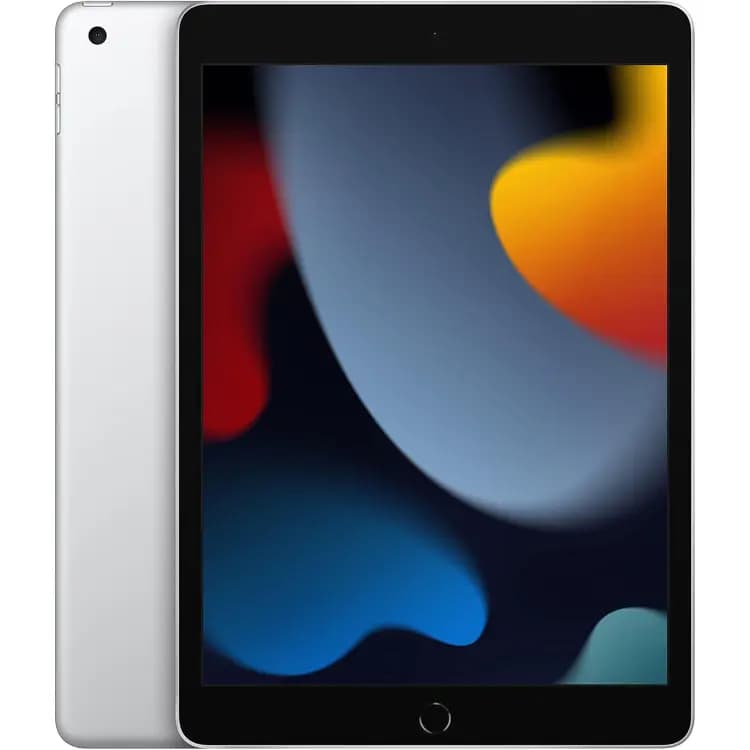
iPad 9 Gen
Up to $99
Get my offer ↗Great tech. Next chapter. Your payday.
Sell your used iPad device for cash. Find your model and check its trade-in value.
Get my offerNo account needed · Free insured shipping
Browse iPad models ↓14 days
Ship within 14 days of accepting your quote for market-price protection. Device details and condition are verified.
$0
Prepaid label. Covered in transit.
3 business days
Payment sent within 3 business days after delivery for matching, eligible devices. See terms.
Up to $25
Ship within 24 hours of accepting your offer.
Browse supported models below. Prices are catalog maximums; your configuration and condition determine your offer, which is confirmed after inspection.
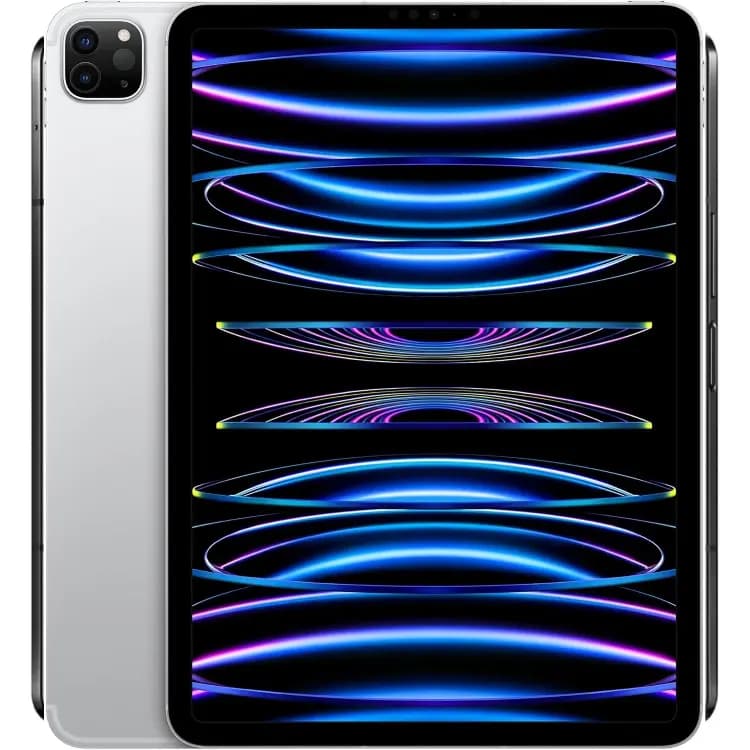
Up to $561
Get my offer ↗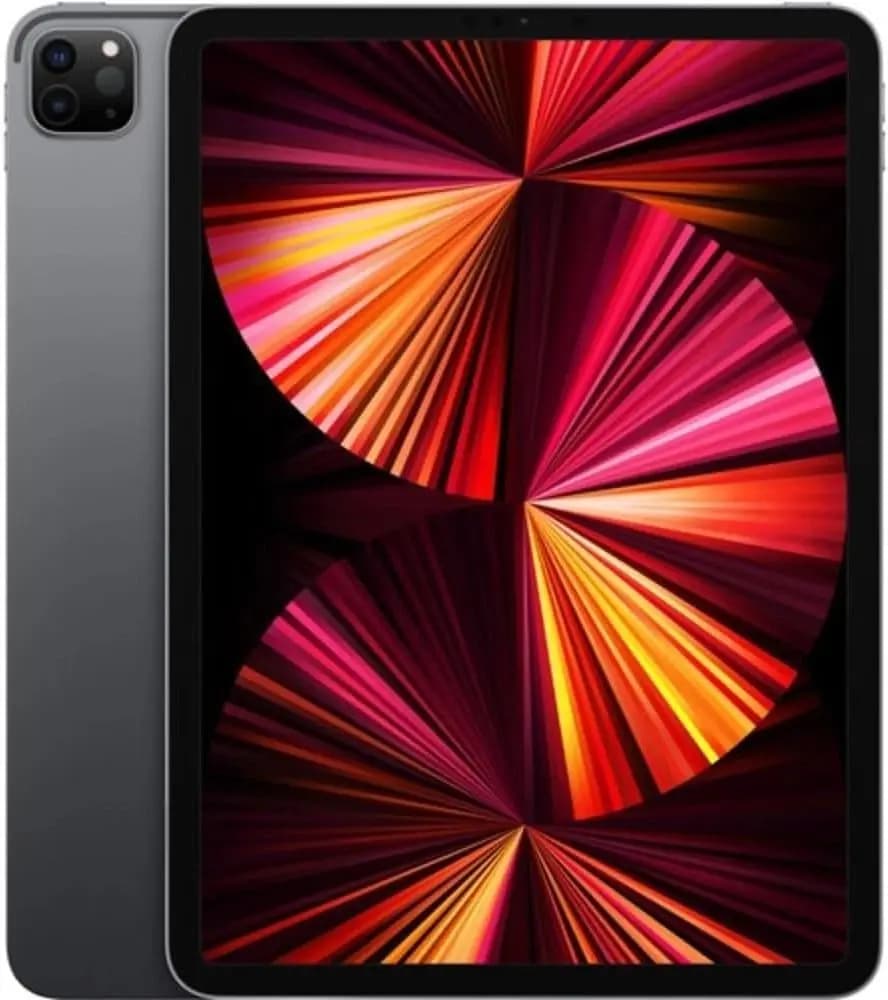
Up to $392
Get my offer ↗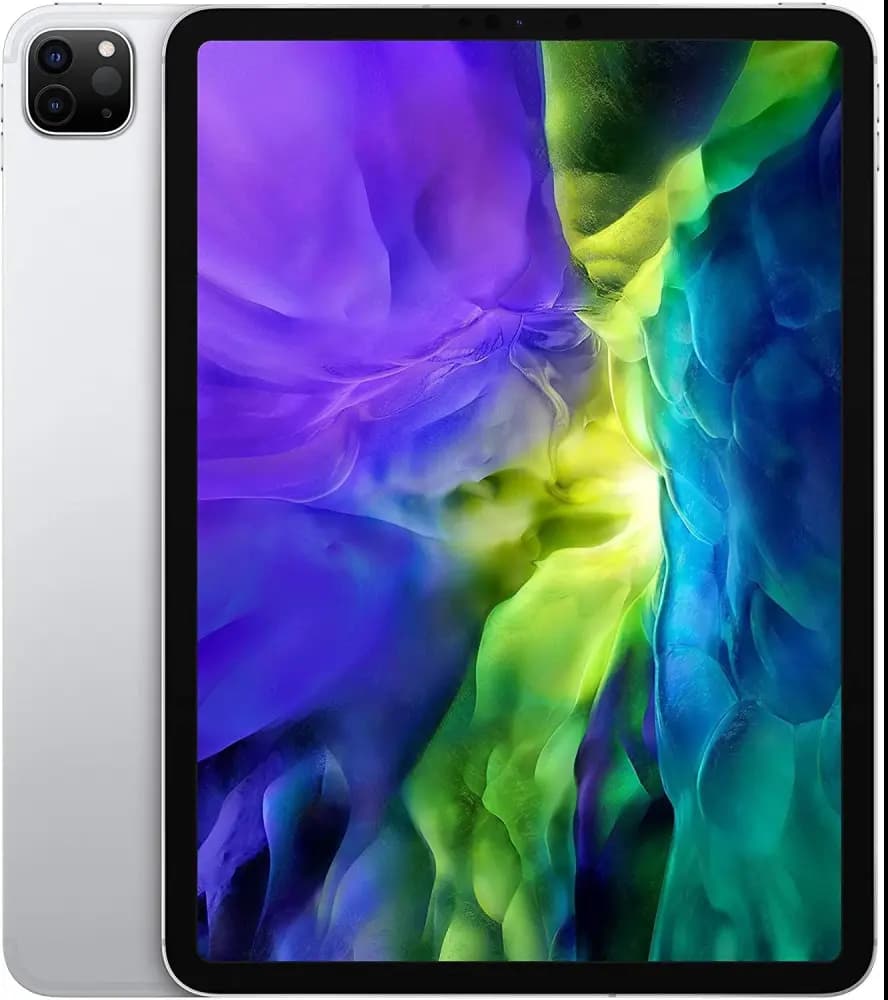
Up to $299
Get my offer ↗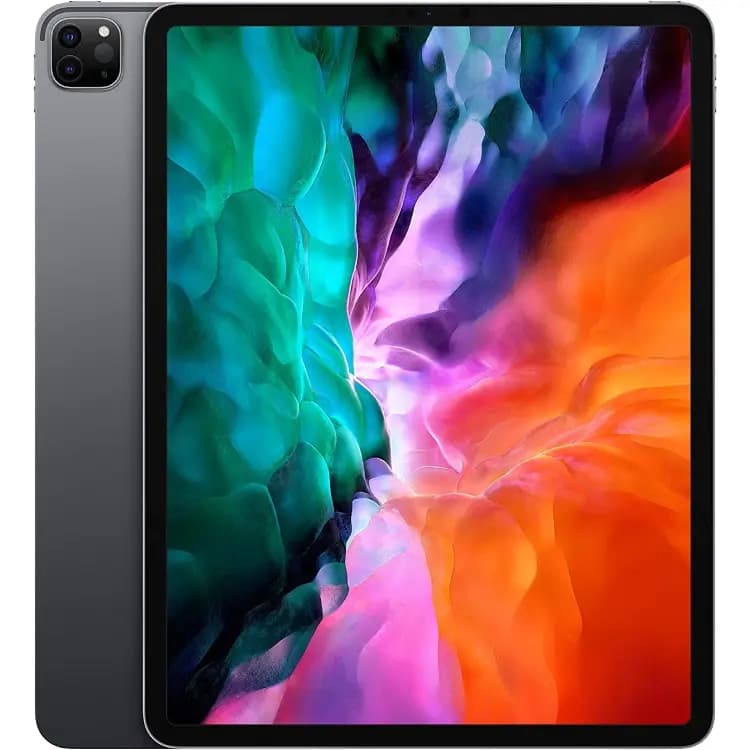
Up to $330
Get my offer ↗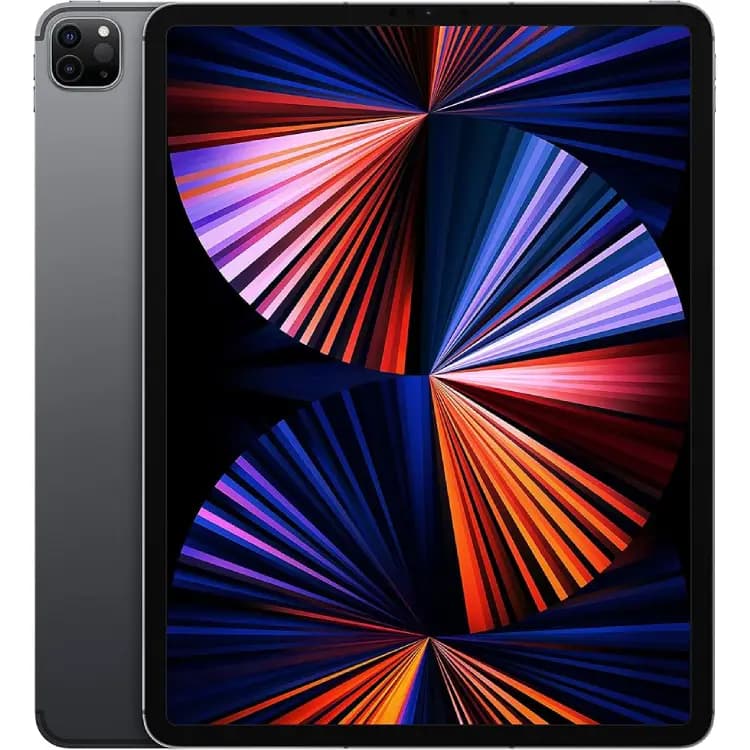
Up to $434
Get my offer ↗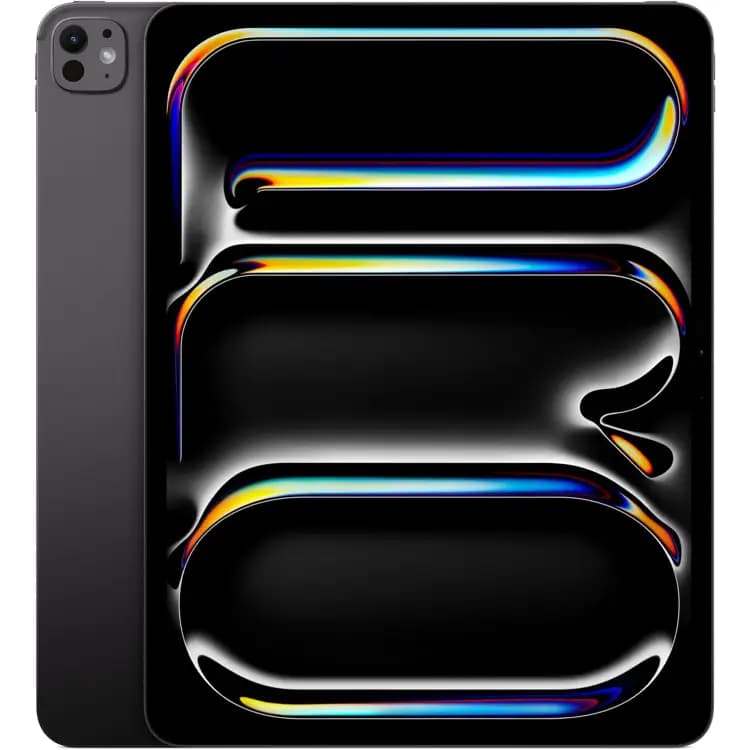
Up to $765
Get my offer ↗
Up to $1194
Get my offer ↗
Up to $959
Get my offer ↗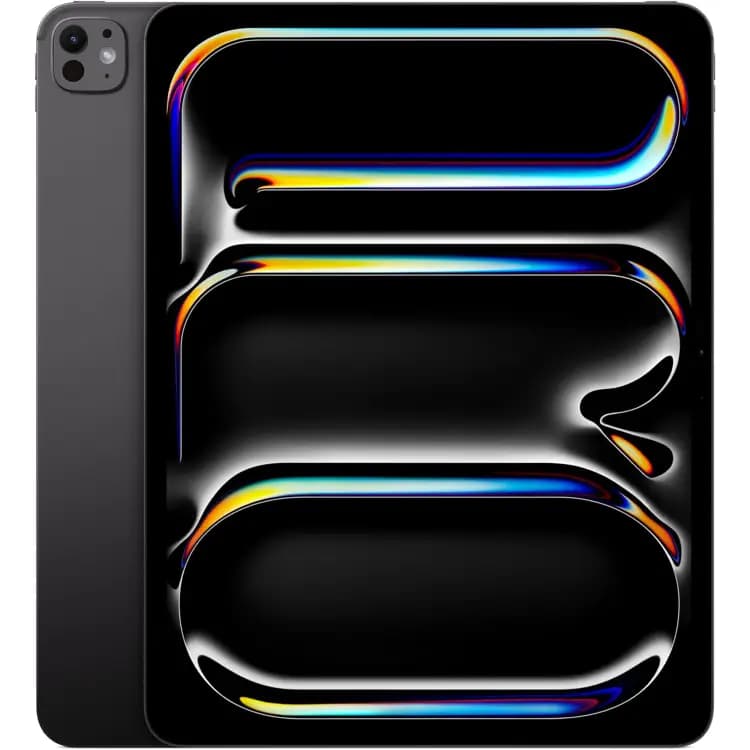
Up to $866
Get my offer ↗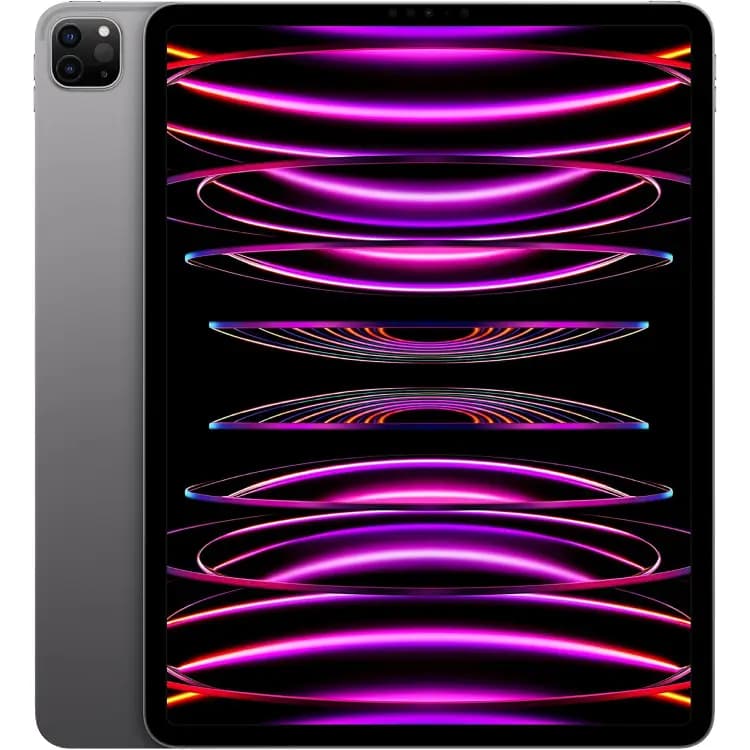
Up to $550
Get my offer ↗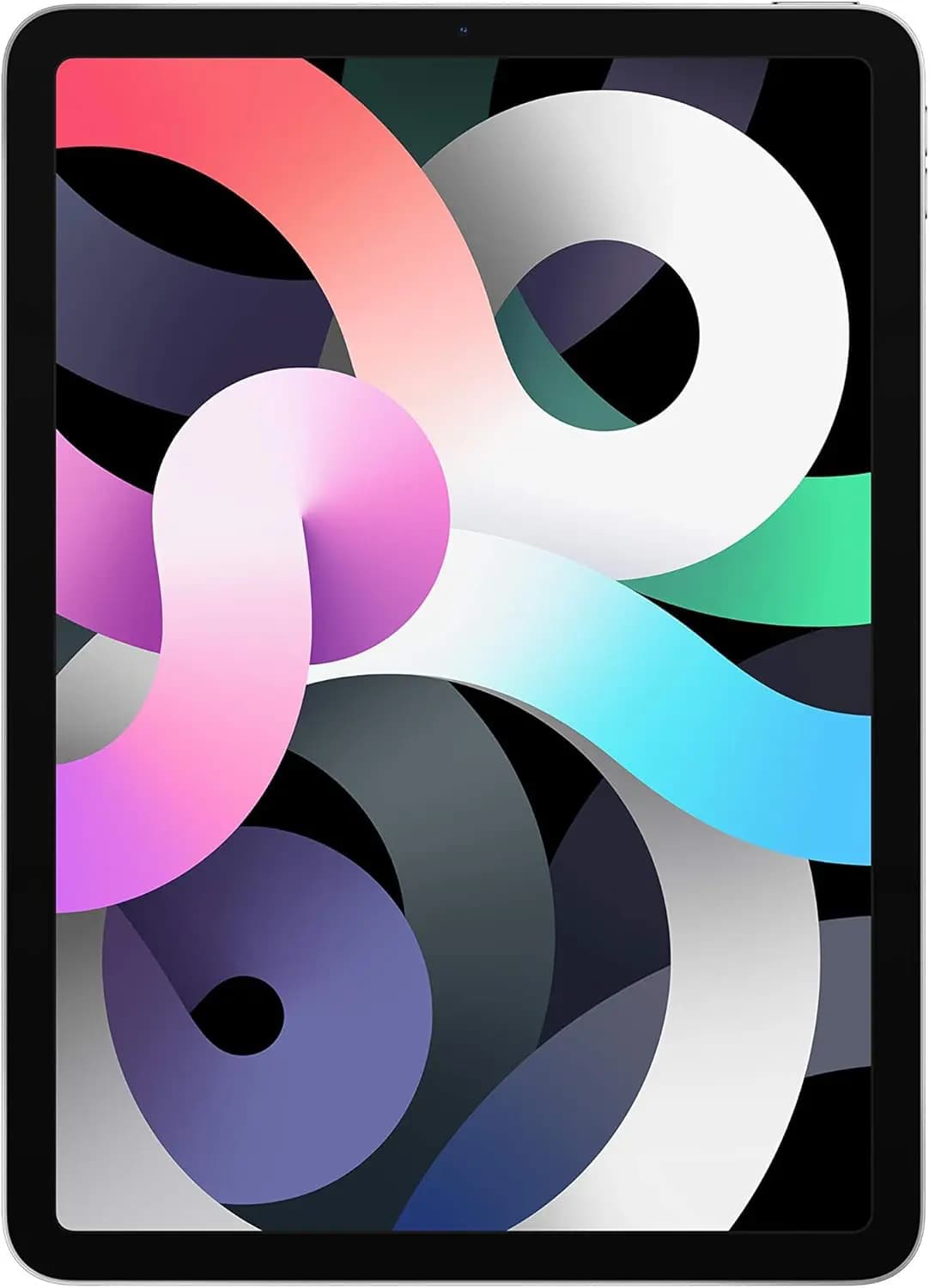
Up to $187
Get my offer ↗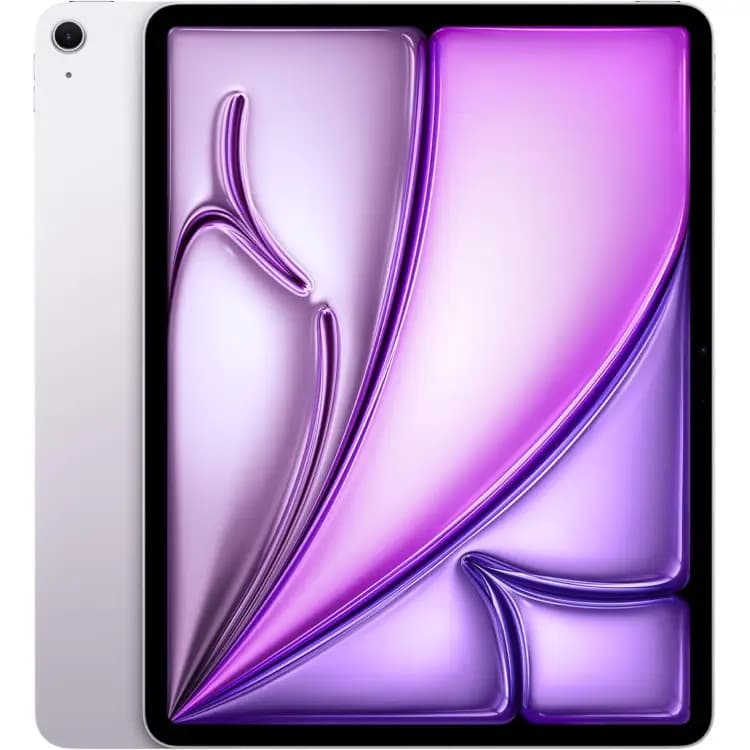
Up to $477
Get my offer ↗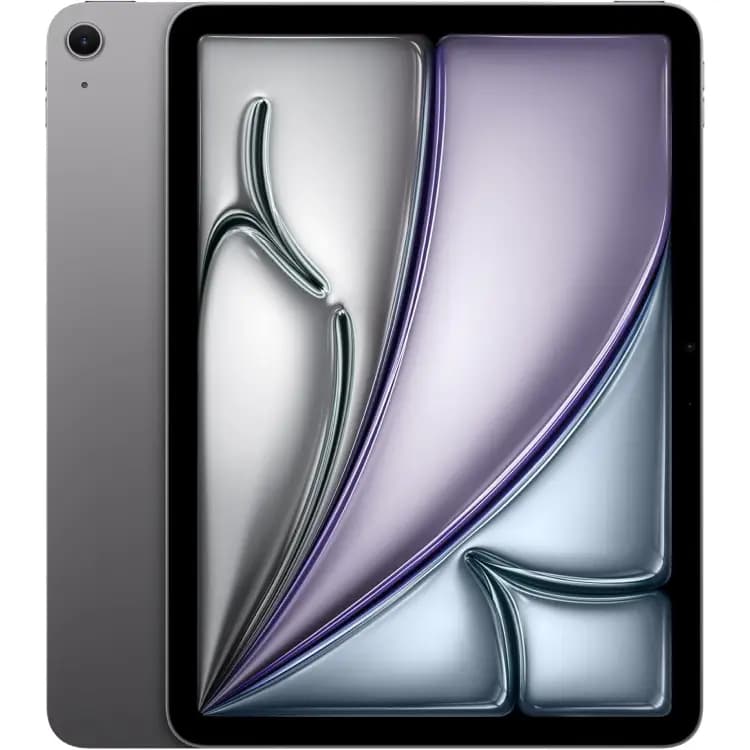
Up to $759
Get my offer ↗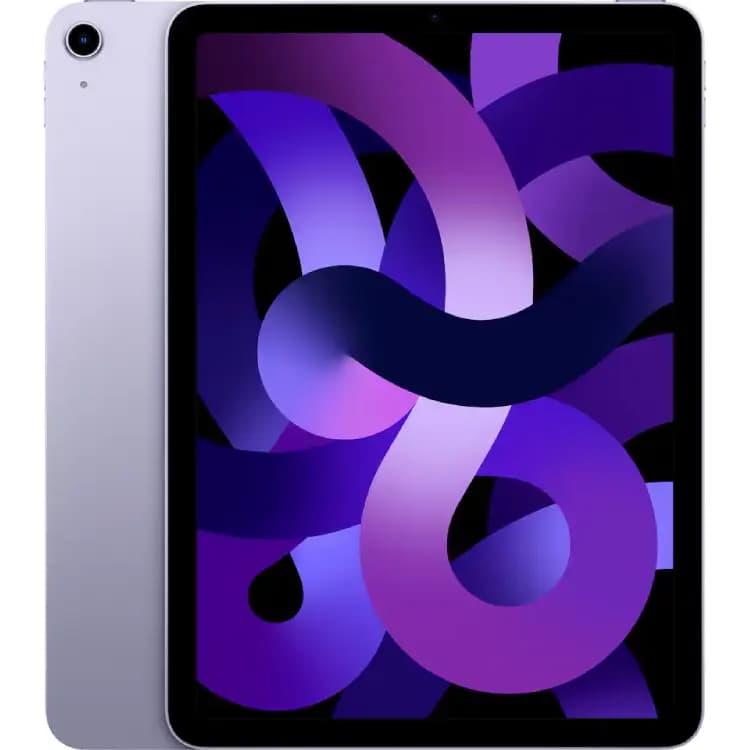
Up to $240
Get my offer ↗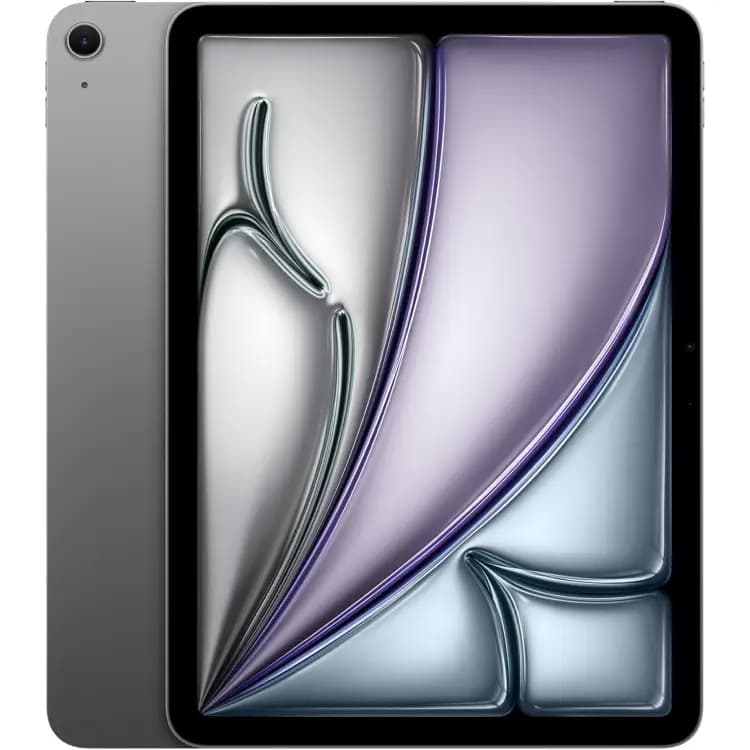
Up to $610
Get my offer ↗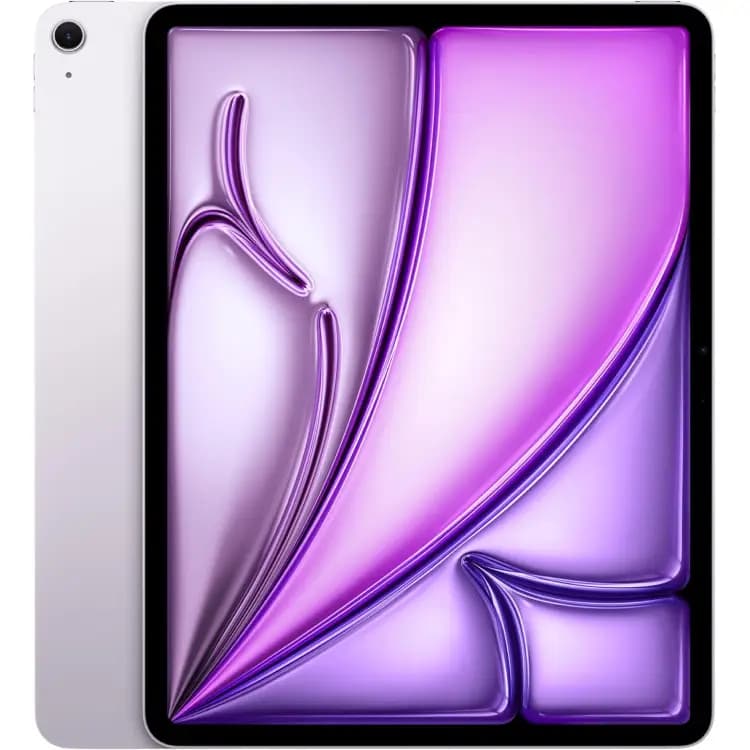
Up to $605
Get my offer ↗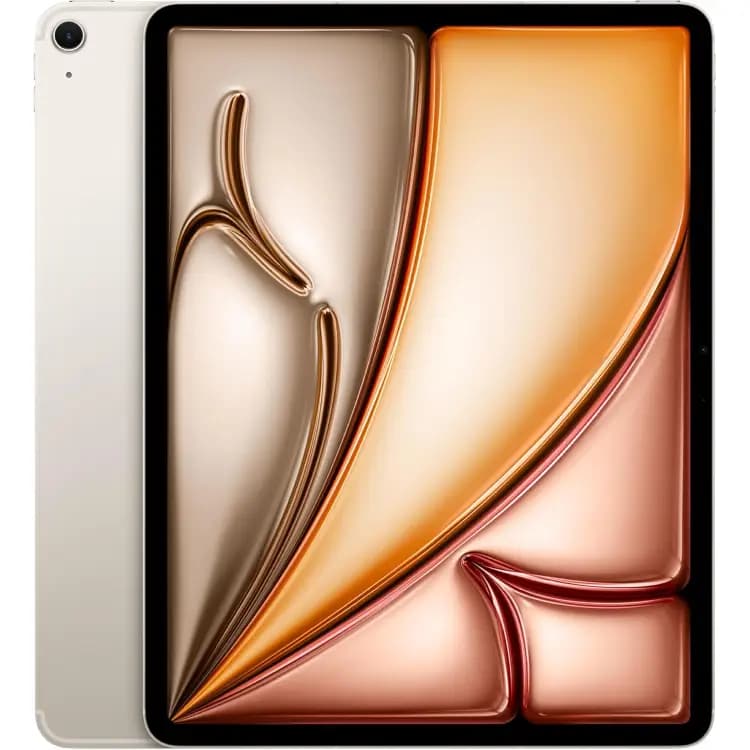
Up to $458
Get my offer ↗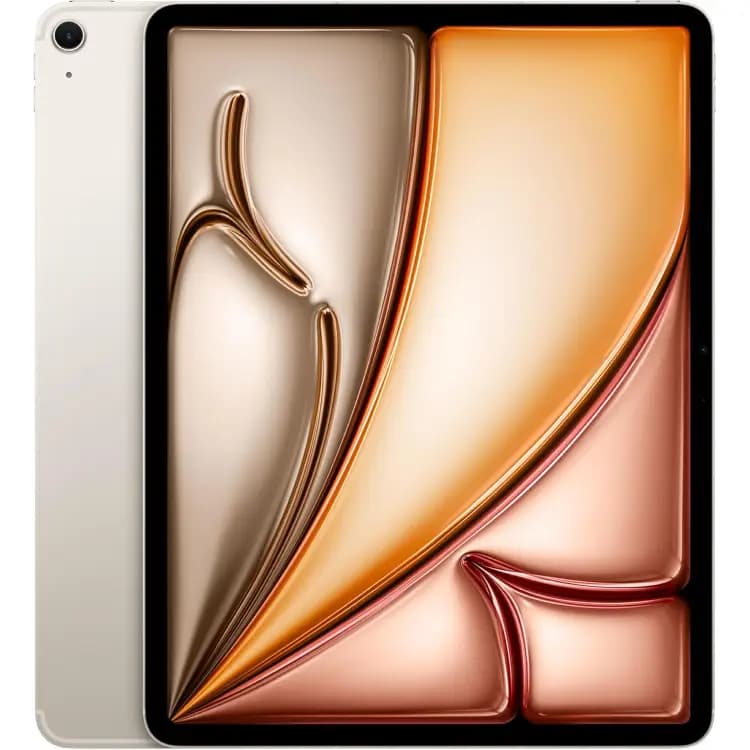
Up to $539
Get my offer ↗Start with the iPad family, then confirm generation or chip, screen size and connectivity. Two iPads with similar cases can have different internal configurations.
The model cards show catalog maximums. Select your exact options to see the applicable cash offer, then review the condition requirements before accepting.
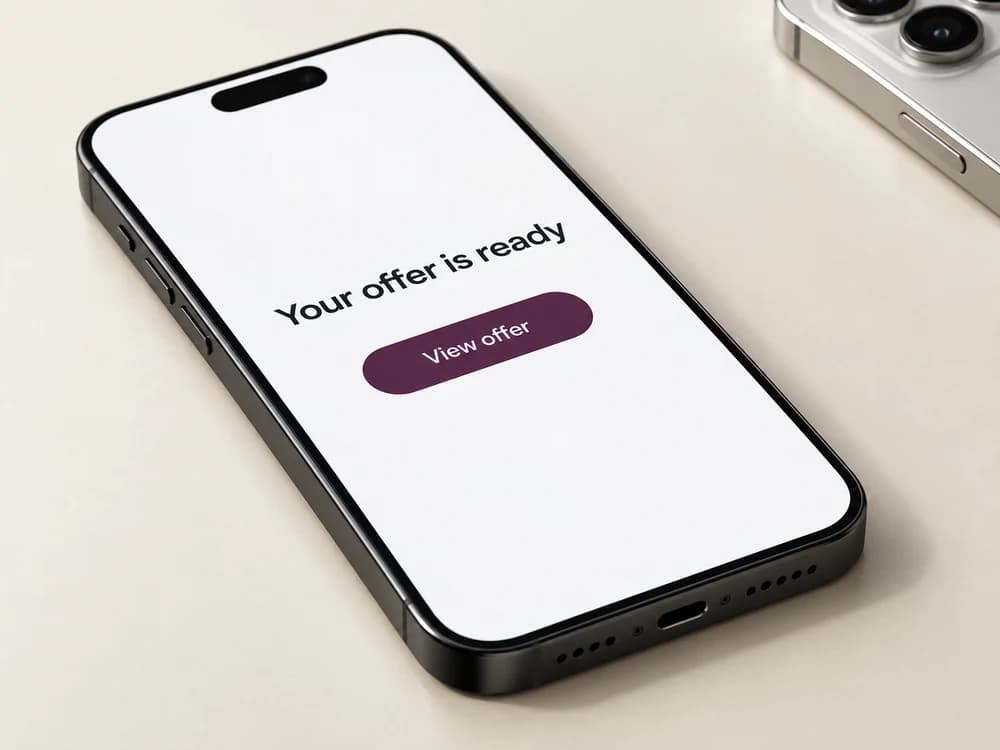
Tell us about your device.
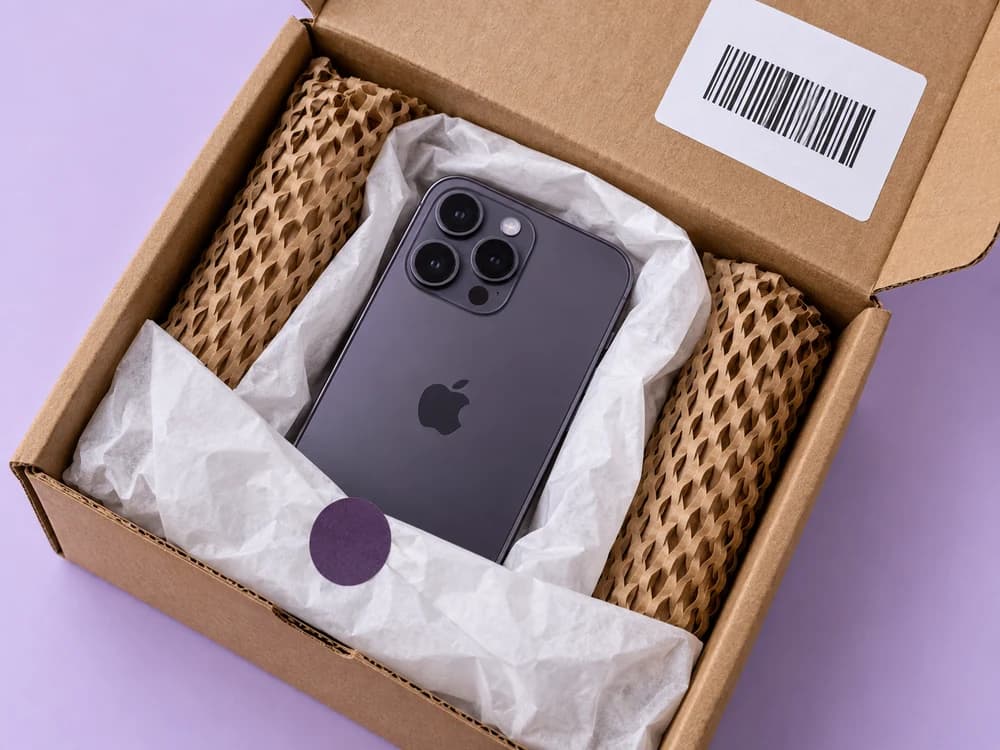
Use your prepaid, insured label.
Payment sent within 3 business days after delivery for matching, eligible devices.
Once you confirm your sale, your offer is locked for 14 days. Ship within that time to keep your price. If you haven’t shipped by the deadline, your price lock ends and your offer may change. Your offer is subject to confirming the model and condition you submit. If inspection finds a difference, we explain the revised offer so you can decide whether to accept it or have your device returned free.
Back up your iPhone or iPad, sign out of your Apple Account (iCloud), turn off Find My to remove Activation Lock, and erase all content and settings before shipping. Remove your physical SIM and erase the eSIM if applicable after transferring your service. If the device is still linked to your Apple Account, remove the account lock before shipping.
For eligible devices that match the submitted details, payment is sent within 3 business days after delivery, including inspection. An unresolved revised offer, missing information or a documented legal or ownership issue can affect that timing. Your payment provider or mail delivery may add time before you receive the money. Choose your payment method at checkout and read our Terms for full details.
Yes. After accepting your offer, use your prepaid USPS shipping label. Shipping is insured, with coverage if your package is lost in transit.