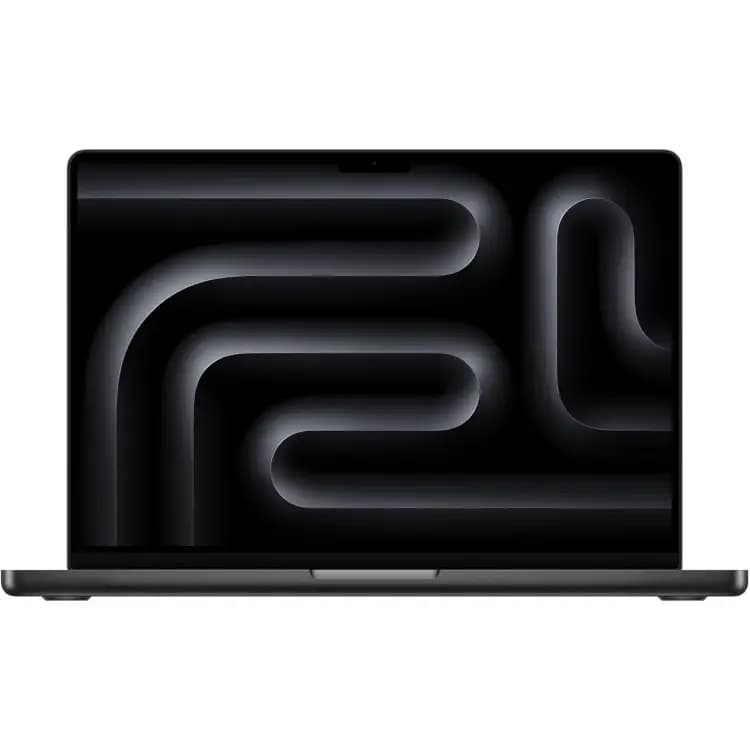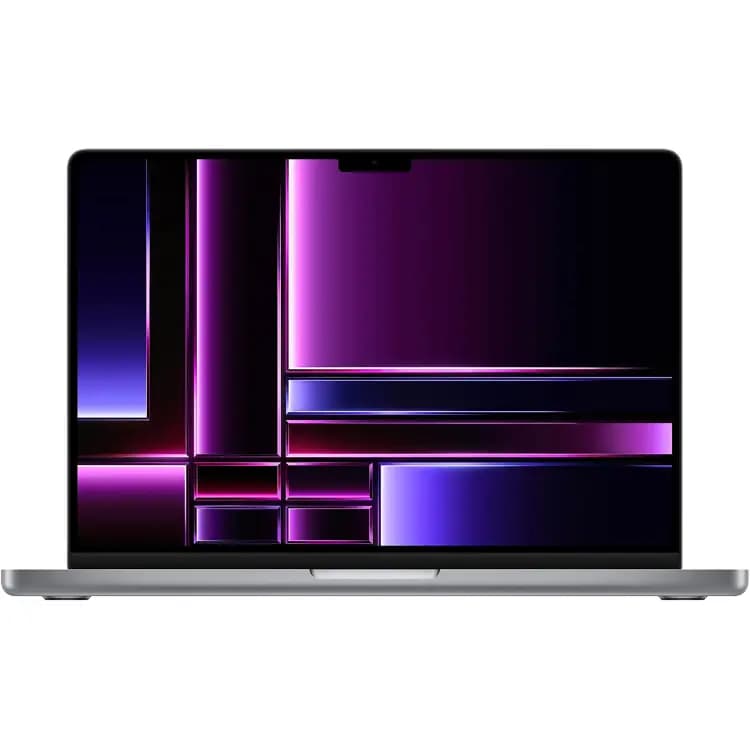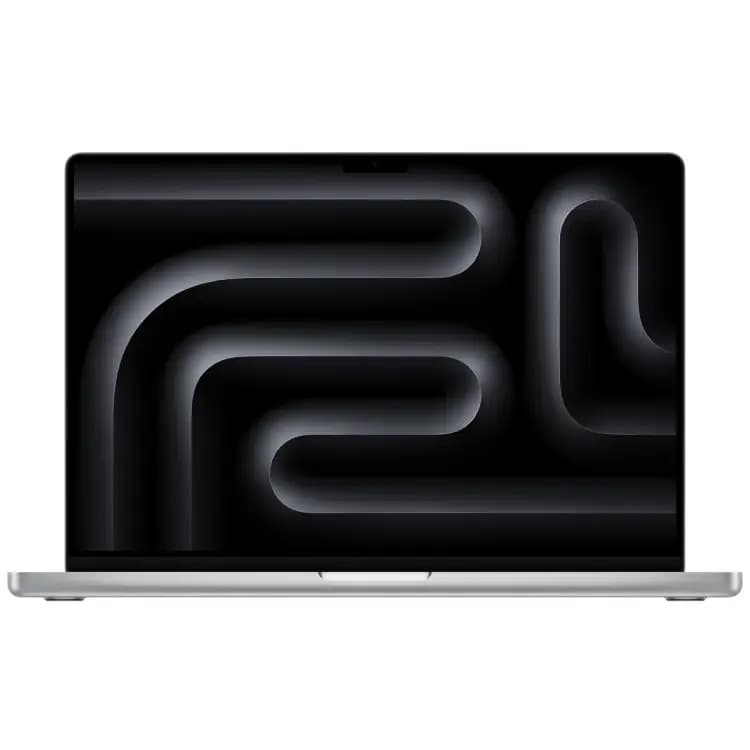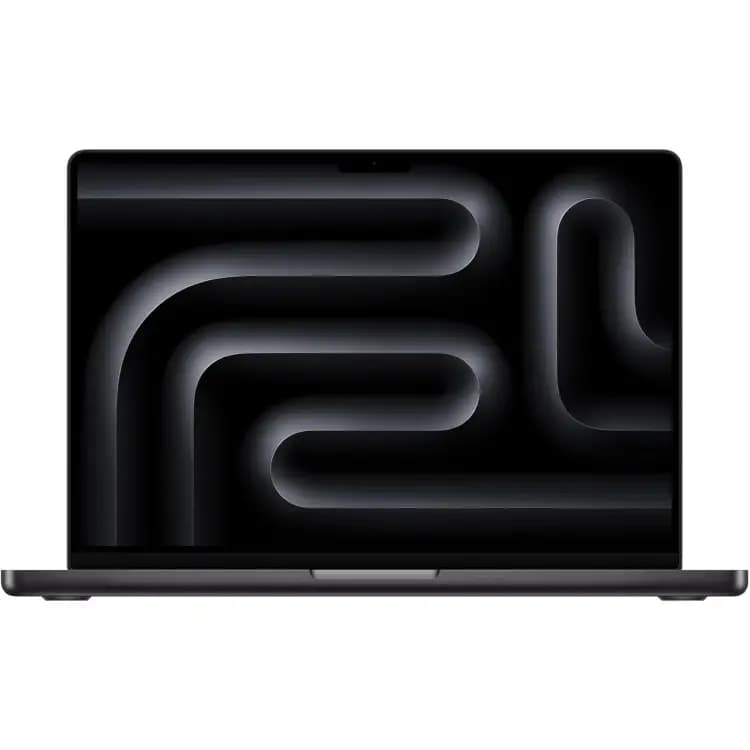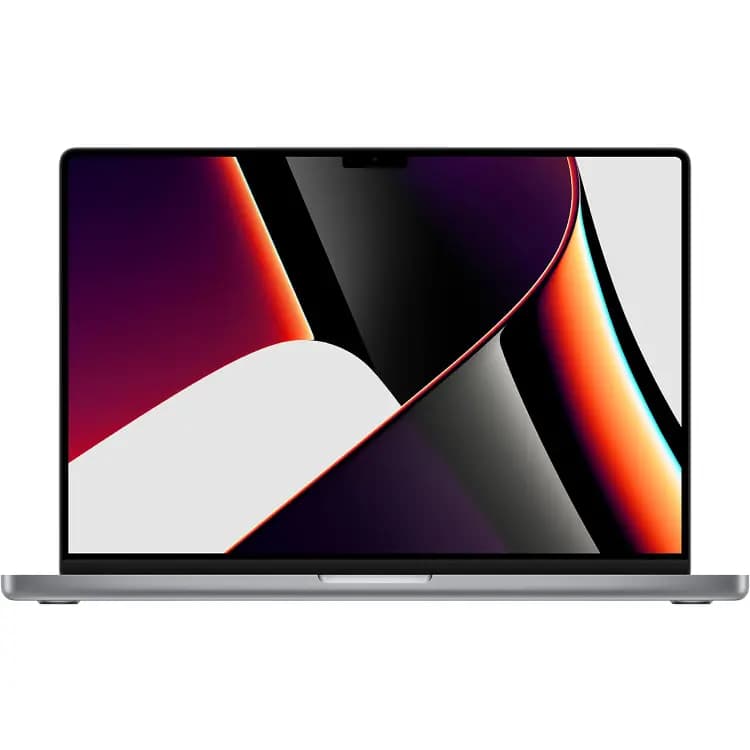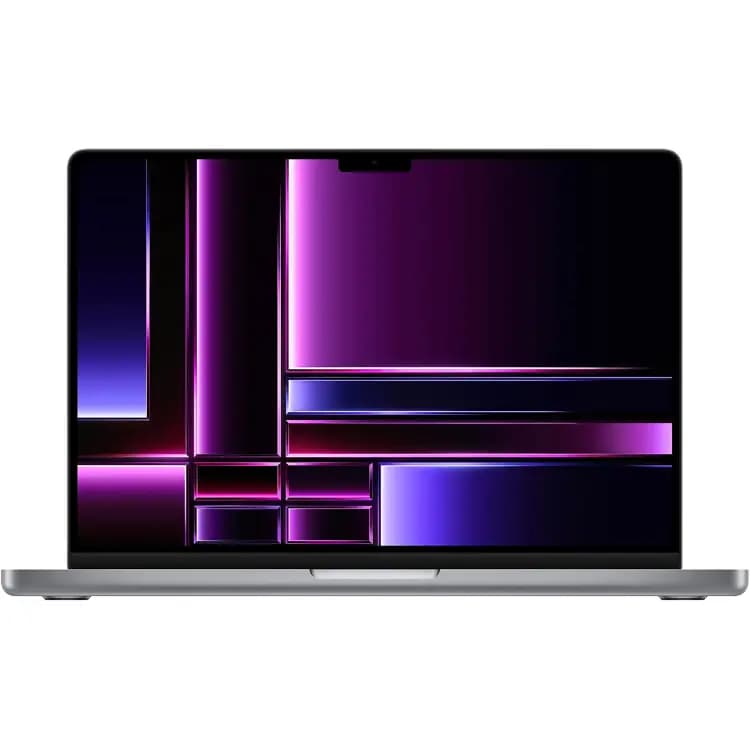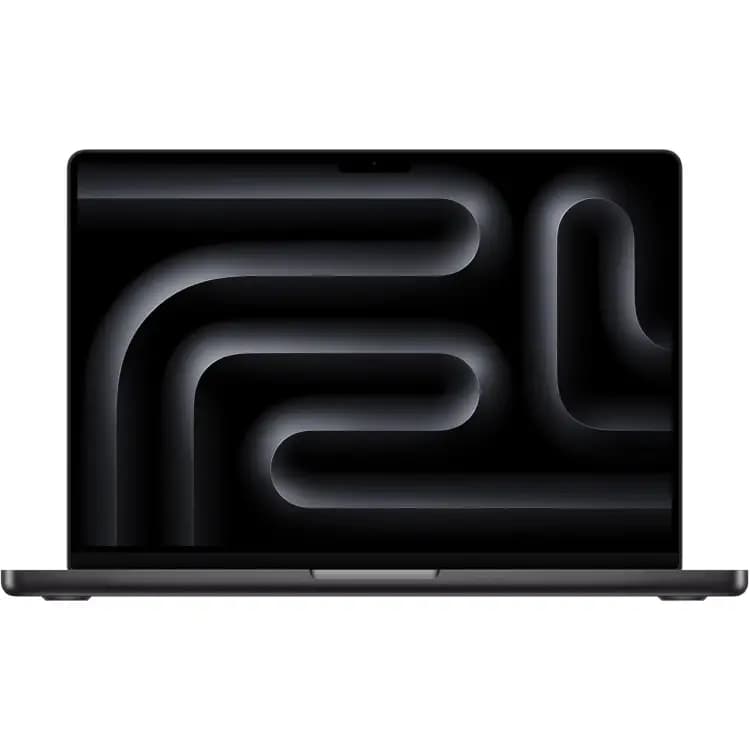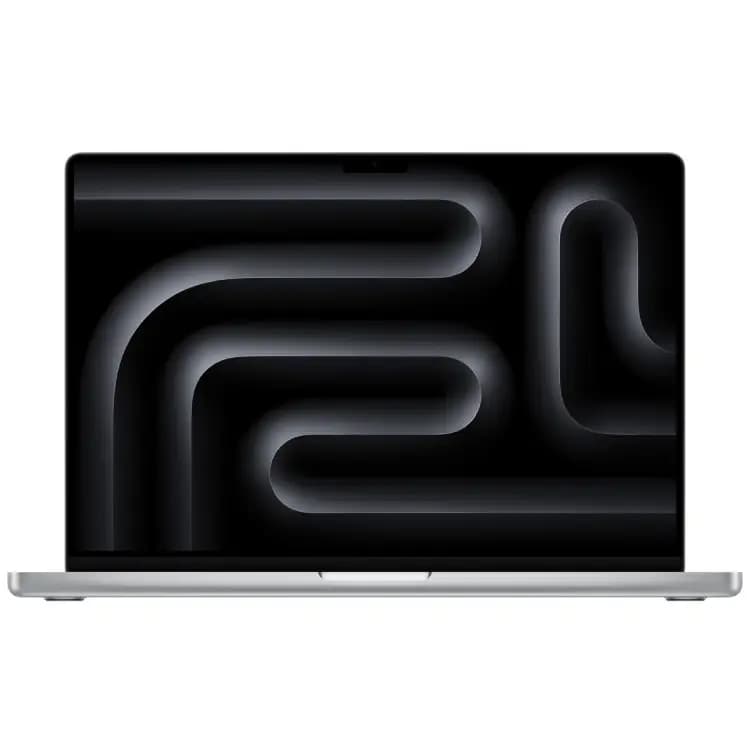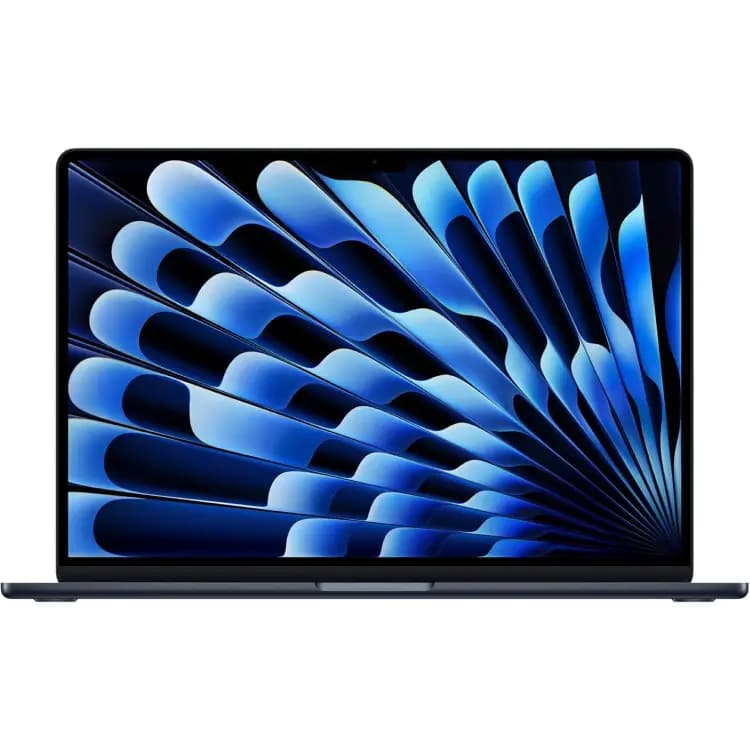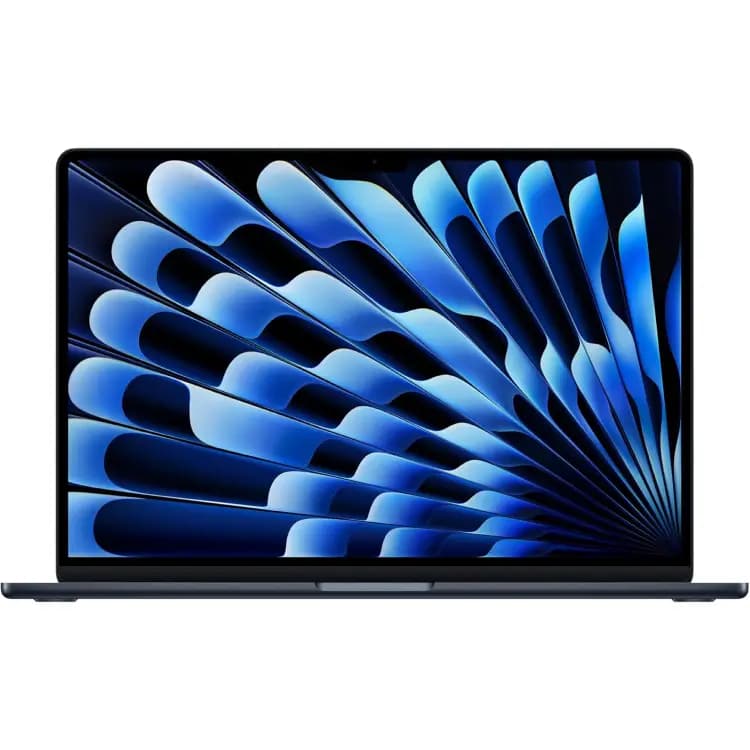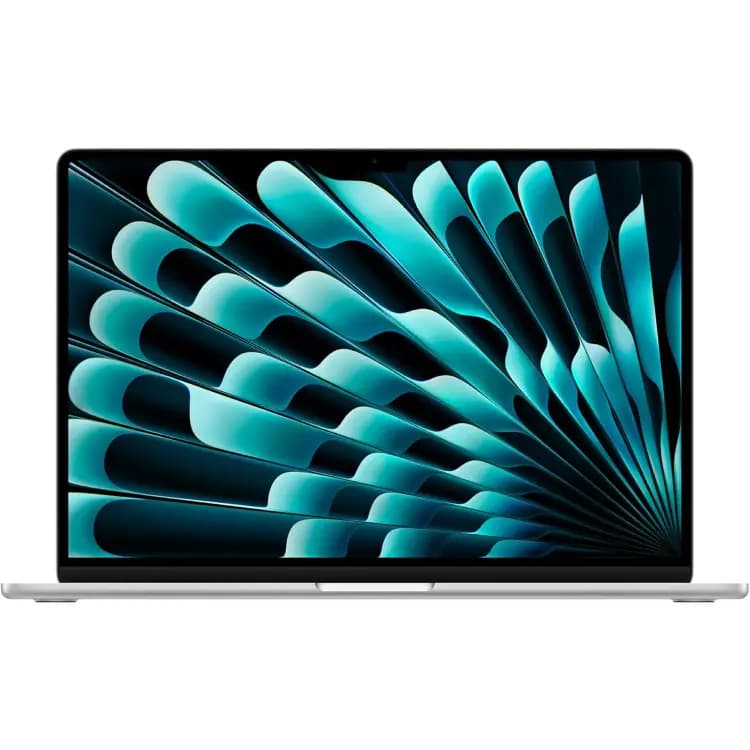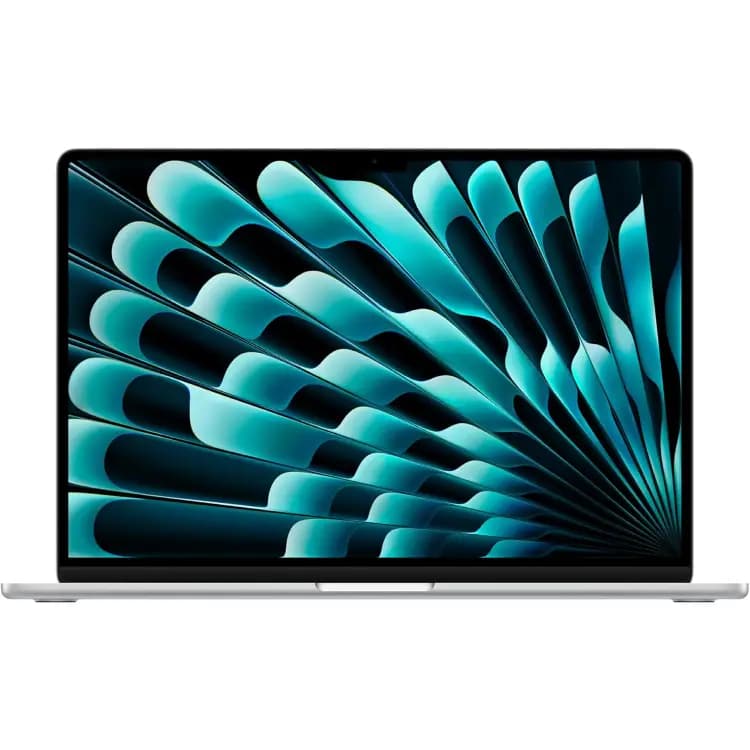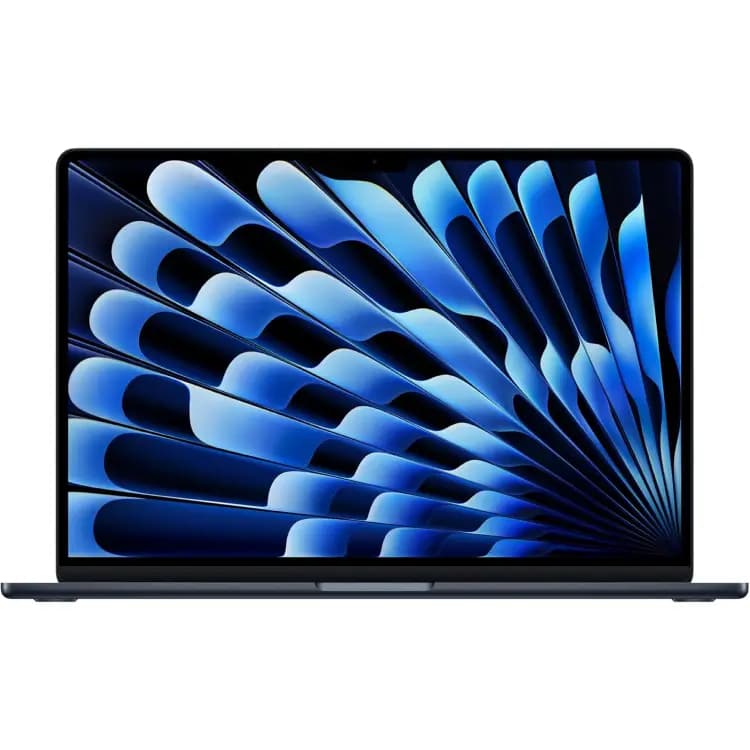
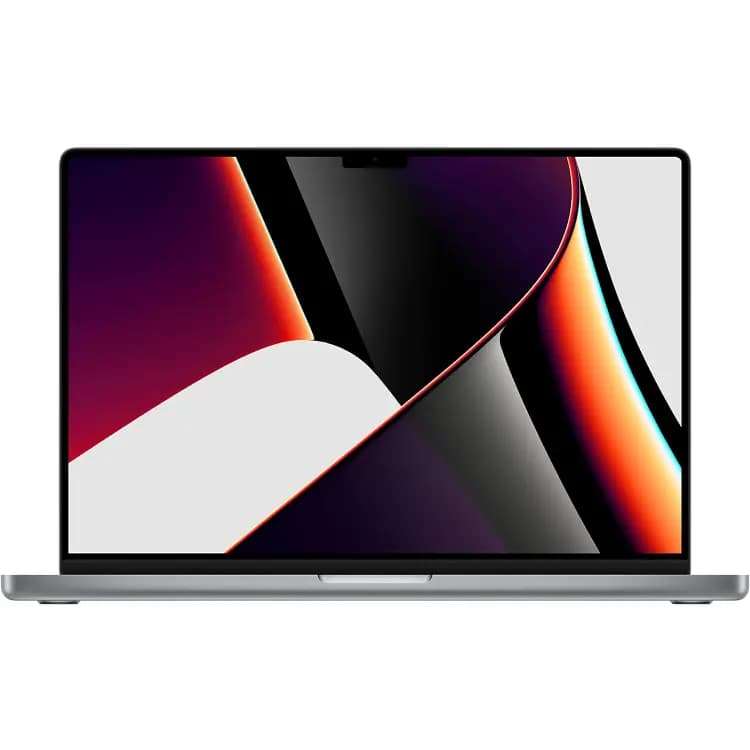
Macbook Pro 16" M1 2021
Up to $1242
Get my offer ↗Great tech. Next chapter. Your payday.
Sell your used MacBook device for cash. Find your model and check its trade-in value.
Find my modelNo account needed · Free insured shipping
Browse MacBook models ↓14 days
Ship within 14 days of accepting your quote for market-price protection. Device details and condition are verified.
$0
Prepaid label. Covered in transit.
3 business days
Payment sent within 3 business days after delivery for matching, eligible devices. See terms.
Up to $25
Ship within 24 hours of accepting your offer.
Browse supported models below. Prices are catalog maximums; your configuration and condition determine your offer, which is confirmed after inspection.
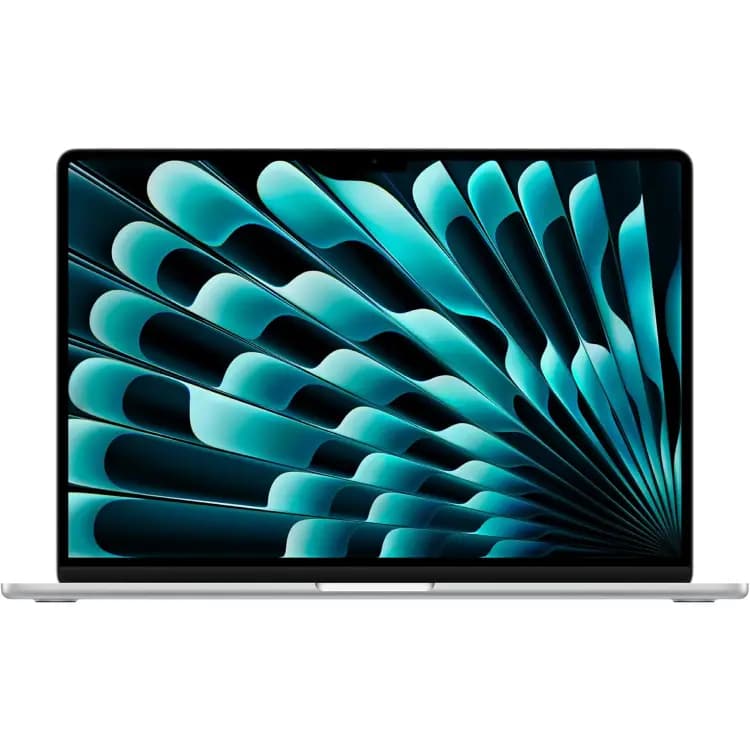
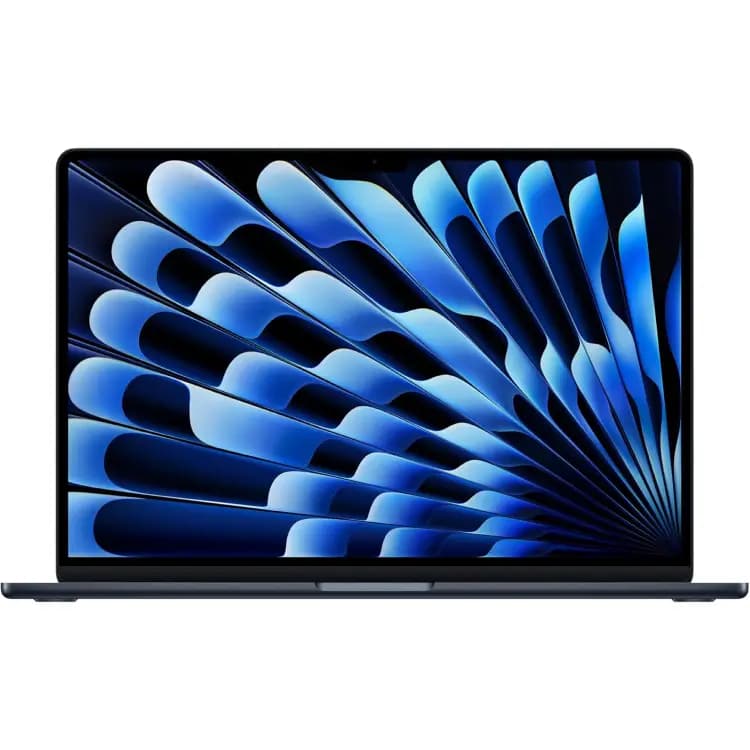
Choose the supported Air, Pro or Neo model that matches your Mac. The model name, chip, RAM and storage together identify the configuration used for your offer.
The model cards show catalog maximums. Select your exact options to see the applicable cash offer, then review the condition requirements before accepting.
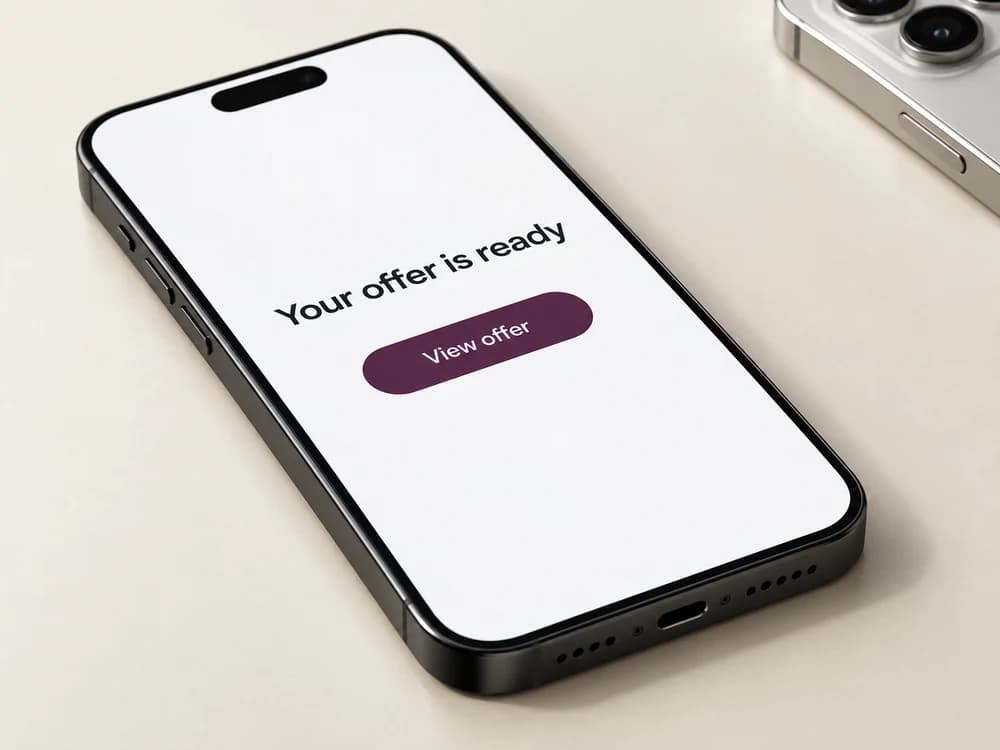
Tell us about your device.
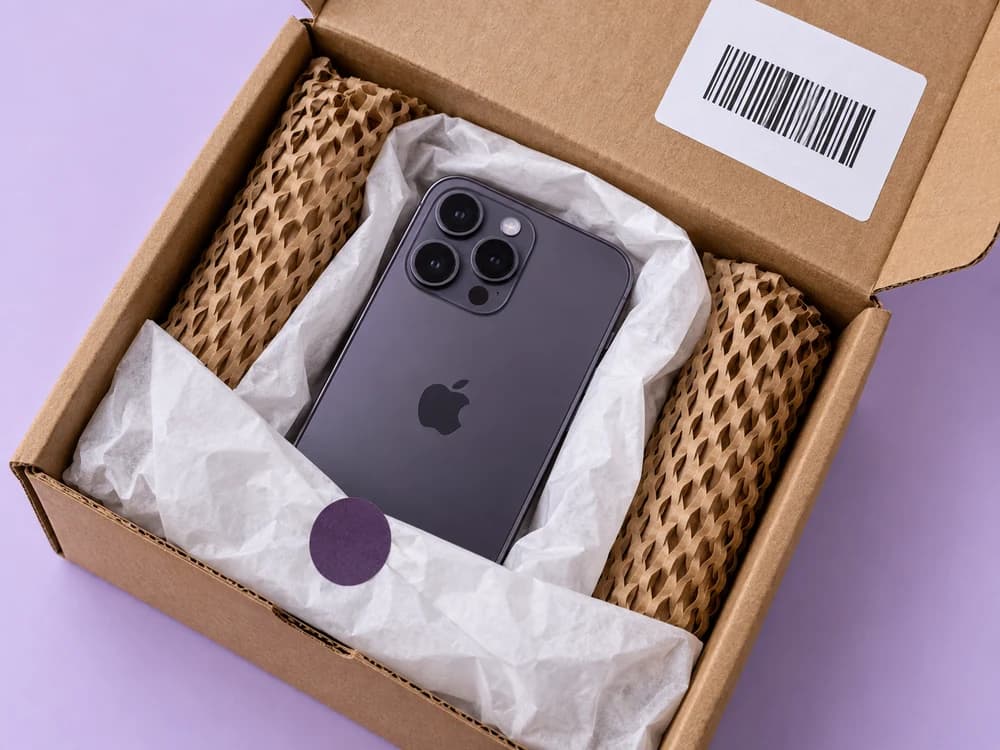
Use your prepaid, insured label.
Payment sent within 3 business days after delivery for matching, eligible devices.
Once you confirm your sale, your offer is locked for 14 days. Ship within that time to keep your price. If you haven’t shipped by the deadline, your price lock ends and your offer may change. Your offer is subject to confirming the model and condition you submit. If inspection finds a difference, we explain the revised offer so you can decide whether to accept it or have your device returned free.
Back up your Mac, then follow Apple's instructions for preparing your model for sale. Use Erase All Content and Settings if supported; otherwise sign out of your Apple Account and other services, turn off Find My, erase the Mac, and reinstall macOS. Make sure Activation Lock is removed before shipping; erasing data alone does not remove an account lock.
For eligible devices that match the submitted details, payment is sent within 3 business days after delivery, including inspection. An unresolved revised offer, missing information or a documented legal or ownership issue can affect that timing. Your payment provider or mail delivery may add time before you receive the money. Choose your payment method at checkout and read our Terms for full details.
Yes. After accepting your offer, use your prepaid USPS shipping label. Shipping is insured, with coverage if your package is lost in transit.